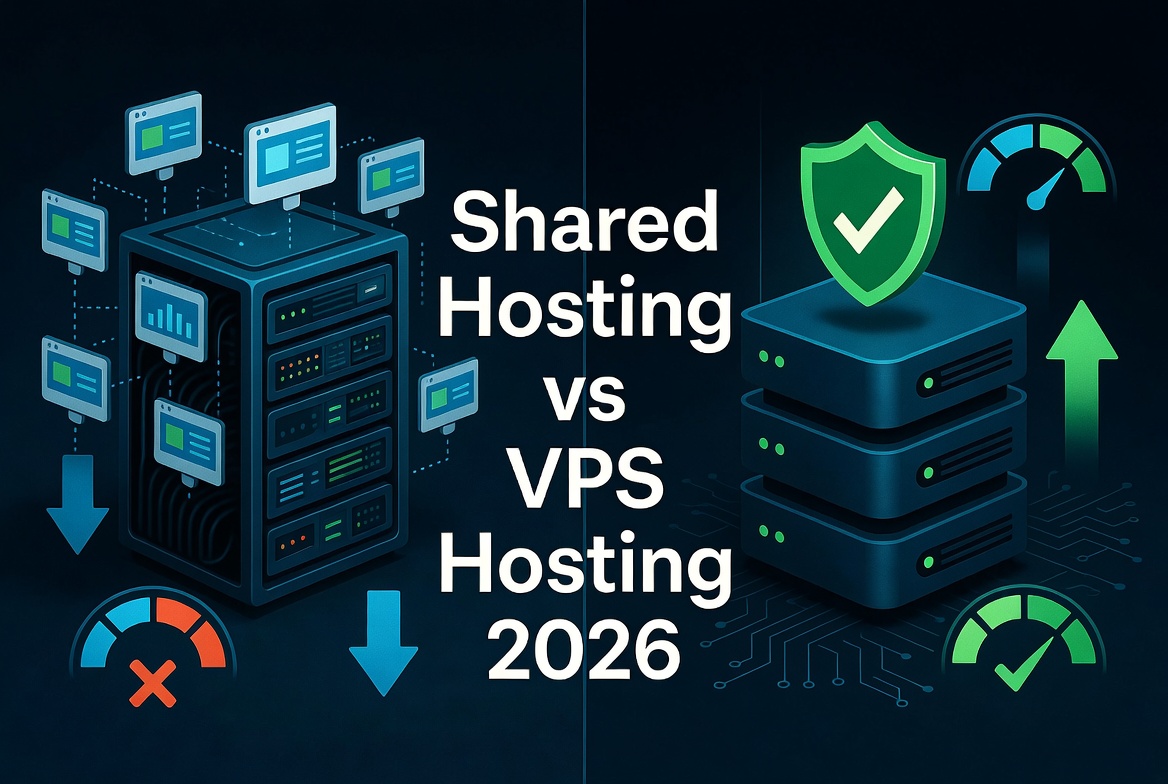
Shared Hosting vs. VPS Hosting (2026 Comparison): Which Should You Pick?
One of the most common dilemmas for website owners, bloggers, and online entrepreneurs is deciding between Shared Hosting and Virtual Private Server (VPS) Hosting. Both hosting options have distinct strengths, but they serve completely different performance levels, technical requirements, and traffic scales.
In this detailed 2026 comparison, we break down speed benchmarks, monthly costs, security isolation, ease of management, and real-world scenarios so you can make the right decision for your web project.
Top Recommendation for 2026: Hostinger
Whether you need beginner-friendly Shared Hosting starting under $3/month or high-speed NVMe VPS servers with 1-click scaling, Hostinger offers the smoothest path to grow your website without breaking the bank.
Explore Hostinger Deals & UpgradesQuick Overview: Understanding the Difference
To understand the fundamental architectural difference between shared and VPS environments, consider this simple physical real estate analogy:
- Shared Hosting (Like an Apartment Complex): You rent a room in a building where everyone shares the same communal hallway, plumbing, and main door. It is cheap and easy, but if your neighbor throws a noisy party (a sudden traffic spike on another site), your internet connection slows down.
- VPS Hosting (Like a Townhouse or Condo): You live in a private unit with dedicated walls, your own utilities, and a private entrance. You share the overall building framework, but your personal space and resources belong entirely to you.
Head-to-Head Comparison: Shared vs. VPS Hosting
| Feature | Shared Hosting | VPS Hosting | Clear Winner |
|---|---|---|---|
| Monthly Price | Very Budget-Friendly ($2 – $8/mo) | Moderate ($4 – $20+/mo) | Shared Hosting |
| Performance | Good for baseline & low traffic | Consistent, high-speed output | VPS Hosting |
| Loading Speed | Average (can drop during peak times) | Ultra-fast (Dedicated NVMe + RAM) | VPS Hosting |
| Security Isolation | Basic (Shared server IP/environment) | High (Virtual isolated container) | VPS Hosting |
| Scalability | Limited growth headroom | Instant resource upgrades | VPS Hosting |
| Root Access | No (Restricted control panel) | Yes (Full Linux/root control) | VPS Hosting |
| Technical Skills | Beginner-friendly (No coding required) | Requires basic sysadmin knowledge | Shared Hosting |
| Typical Uptime | 99.9% average SLA | 99.99%+ high-availability SLA | VPS Hosting |
| Best For | Starter blogs, personal portfolios | eCommerce, business sites, dev apps | Depends on Need |
Detailed Pros & Cons
Shared Hosting
Pros:
- Extremely affordable monthly entry cost
- Zero server maintenance—the host handles updates and patches
- Simple graphic dashboard (cPanel, hPanel) with 1-click WordPress setup
- Perfect for personal projects and low-traffic personal sites
Cons:
- Limited CPU and memory usage thresholds
- Performance drops if co-hosted sites draw excessive traffic
- Higher vulnerability if another tenant on the server gets compromised
- No custom server-level software installation
VPS Hosting
Pros:
- Guaranteed CPU, RAM, and dedicated NVMe disk allocations
- Isolated server slice prevents "bad neighbor" performance issues
- Full root access for custom caching, scripts, and software modules
- Superior response times (TTFB) directly benefit core Web Vitals and SEO
Cons:
- Higher monthly base cost than basic shared plans
- Unmanaged plans require Linux command-line management skills
- Manual configuration required unless paying extra for managed VPS layers
When Should You Choose Shared Hosting?
Shared hosting remains the single best choice for anyone launching a new website on a limited budget. You should stick with Shared Hosting if:
- You are starting a brand new blog, business card site, or portfolio.
- Your hosting budget is under $10 per month.
- Your website gets fewer than 10,000 monthly visitors.
- You want a plug-and-play setup where you never have to deal with server command lines or security patches.
When Should You Upgrade to VPS Hosting?
A Virtual Private Server is the logical next step once your project grows beyond standard resource limits. You should upgrade to VPS Hosting if:
- Your website receives consistent daily traffic (over 10,000 to 20,000 visits per month).
- You run an online WooCommerce or Shopify alternative store handling sensitive payments.
- You notice slow page loading times or frequent resource limit errors during peak hours.
- You need custom server software, private databases, or custom caching layers installed.
- You want full ownership and control over your environment's bandwidth and security firewall.
Final Verdict
Shared Hosting is the undisputed champion for beginners and tight budgets, offering everything you need to get a site online quickly and safely. However, VPS Hosting is the smarter long-term investment for growing businesses, fast-loading eCommerce stores, and sites where downtime means lost revenue.
Get Started with Hosting Beasts DiscountsFrequently Asked Questions

Snober Kanwal
Tech Reviewer, Content SpecialistI specialize in tech journalism and product reviews at Hostingbeasts. By breaking down digital trends, gadgets, and software into easy-to-digest guides, I create SEO-optimized content that ranks on search engines, builds consumer trust, and drives high-intent affiliate traffic for global audiences.
Comments 0
No comments yet. Be the first to share your thoughts!